Build Your Own TTS Pipeline: A Quick Start Guide with FonadaLabs
You've decided to add voice capabilities to your application: a customer support bot, educational app, or voice assistant. Good news: building a production-ready Text-to-Speech pipeline with FonadaLabs is simpler than you think. This guide shows you the essentials to get started quickly.
Why Build Your Own Pipeline?
A custom TTS pipeline gives you control over audio quality, response timing, error handling, and caching, while FonadaLabs handles the complex speech synthesis. You focus on business logic; FonadaLabs delivers natural-sounding voices in English, Hindi, Tamil, and Telugu.
The Simple Architecture
Your pipeline needs just four components:
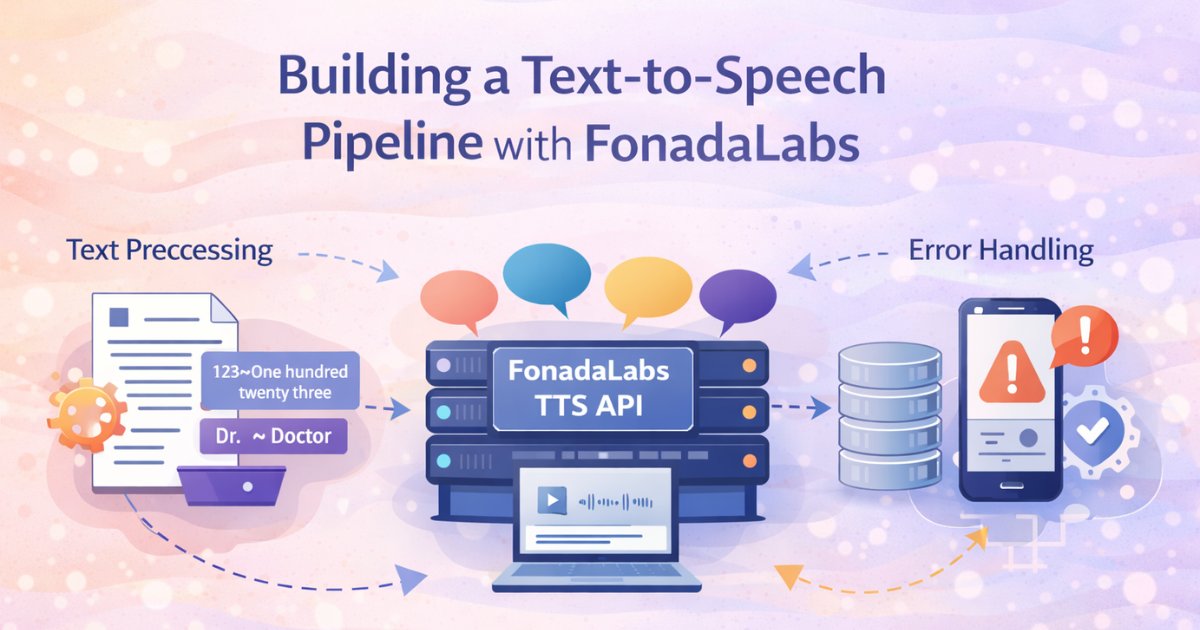
1. Text Preprocessing: Clean and normalize your text
2. FonadaLabs Integration: Call the API (REST or WebSocket)
3. Caching Layer: Store repeated phrases to save costs
4. Error Handling: Gracefully manage failures
That's it. No complex ML models to train, no pronunciation dictionaries to maintain, no audio engineering expertise required.
Getting Started: Your First Integration
Choose Your Method
FonadaLabs offers two integration approaches:
REST API for batch processing (pre-recorded messages, audio file generation):
POST https://api.fonada.ai/tts/generate-audio-large
Send text → Receive complete MP3 file. Simple and reliable.
WebSocket for real-time streaming (voice assistants, live support):
wss://api.fonada.ai/tts/generate-audio-ws
Send text → Receive audio chunks immediately. Perfect for conversational AI.
Which to use? Start with REST API; it's simpler. Move to WebSocket only when you need real-time conversational experiences.
For complete API specifications, authentication details, and code examples in multiple languages, visit the API Usage documentation.
Making Your First Request
The API is straightforward. You need three things:
Your API key (Log into FonadaLabs and generate it from Console)
Text to synthesize (in any of the four supported languages)
Language specification ("English", "Hindi", "Tamil", or "Telugu")
Current voice: Use "Vaanee" (natural-sounding female voice supporting all languages). More premium voices coming soon.
Response format: MP3 audio at 24kHz, mono- ready to use in any application.
That's your basic setup. For step-by-step implementation guides with code samples, check the Developer Quickstart.
Essential Text Preprocessing
Before sending text to FonadaLabs, do some basic cleanup:
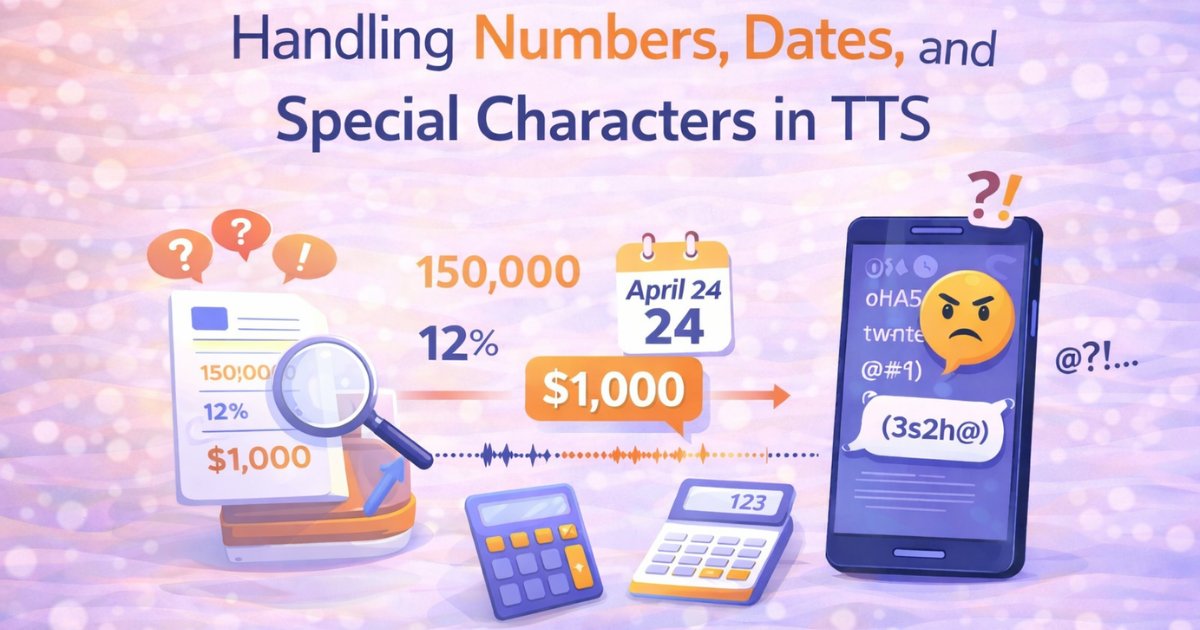
Normalize numbers: "123" should become "one hundred twenty three" (or "एक सौ तेईस" for Hindi)
Expand abbreviations: "Dr." → "Doctor", "श्री." → "श्रीमान"
Remove problematic characters: Clean out emojis and special symbols (keep punctuation for natural pauses)
Handle long text: Split content over 5000 characters into smaller chunks
Why this matters: Clean input = better pronunciation and more natural-sounding output.
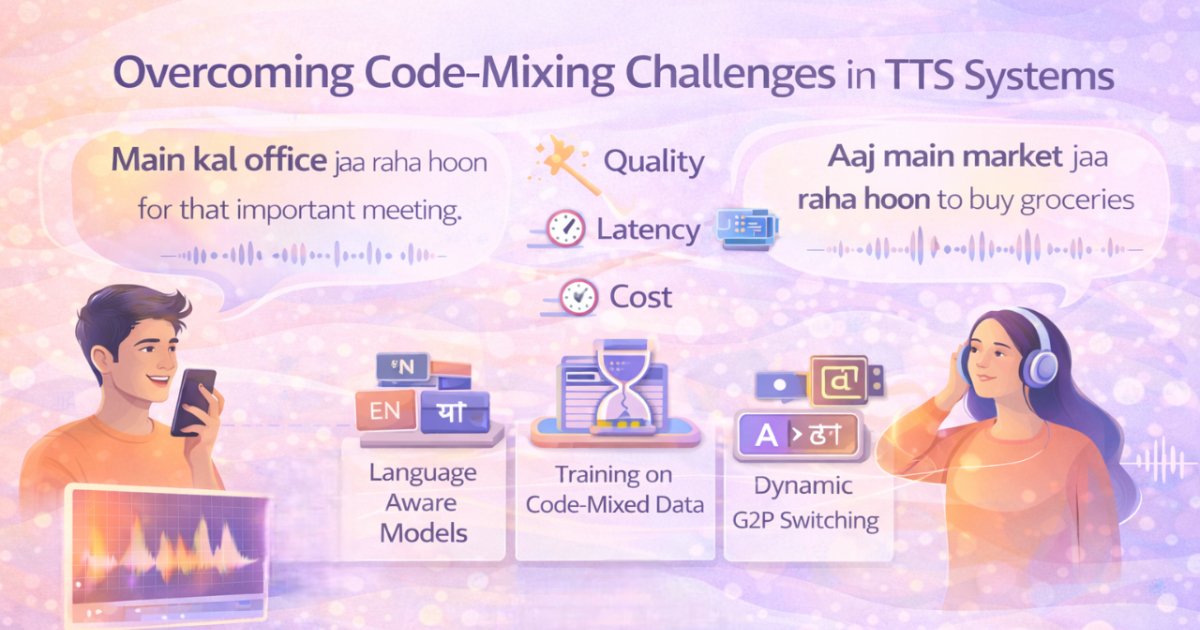
Pro tip: FonadaLabs natively handles code-mixing (Hinglish), so "मैं office जा रहा हूँ" works perfectly without special handling.
For language-specific nuances and best practices, see Supported Languages and Text Input guidelines.
Building Your Pipeline: The Core Flow
Here's your implementation flow:
For batch processing (REST API):
1. Receive text from your application
2. Preprocess → normalize numbers, expand abbreviations
3. Check cache → if hit, return immediately
4. Call FonadaLabs REST API → get MP3 audio
5. Store in cache for future use
6. Return audio to your application
For real-time streaming (WebSocket):
1. Preprocess text
2. Open WebSocket connection
3. Send request with text, voice "Vaanee", and language
4. Stream audio chunks as they arrive
5. Play audio immediately (no waiting for completion)
Error handling: Add retry logic (wait 2s, then 4s, then 8s). Handle timeouts gracefully. Always have a fallback, maybe a cached similar response or a simple text error.
For detailed endpoint specifications, parameters, and response formats, refer to WebSocket Usage and Voice Quality documentation.
Real-World Example
Scenario: Customer support bot for banking
User asks: "मेरा खाता बैलेंस क्या है?" (What's my account balance?)
Your pipeline:
Detect language → Hindi
Fetch balance from database → ₹45,237
Generate response text → "आपका वर्तमान खाता बैलेंस पैंतालीस हज़ार दो सौ सैंतीस रुपये है"
Preprocess (already in good format)
Check cache → miss (dynamic data)
WebSocket to FonadaLabs → stream audio chunks
User hears response in under 500ms
Result: Natural, instant conversation that feels human.
Production Essentials
Multi-Language Support
FonadaLabs supports English, Hindi, Tamil, and Telugu. Your pipeline should:
Explicitly specify language in each request
Optionally auto-detect language using libraries like langdetect
Apply language-specific preprocessing (numbers, dates, currency)
Monitor Key Metrics
Track what matters:
Latency: How fast are responses? (target: under 1 second for REST, under 500ms first-chunk for WebSocket)
Cache hit rate: Are you getting 60%+ hits?
Error rate: Keep below 1%
API costs: Monitor usage to optimize caching strategy
Best Practices for Quality
Use proper punctuation for natural pauses
Test pronunciation of brand names and technical terms
Break very long content into logical segments
Pre-generate and cache static content (greetings, FAQs)
For comprehensive optimization tips and troubleshooting, visit the FAQ section.
Quick Start Checklist
Ready to build? Here's your path:
Step 1: Get your API key from FonadaLabs
Step 2: Read the complete FonadaLabs TTS documentation for technical specifications
Step 3: Test basic REST API calls with sample text in your target languages
Step 4: Implement simple text preprocessing (numbers, abbreviations)
Step 5: Add caching layer (start simple, even file-based caching helps)
Step 6: Deploy and monitor (track latency, cache hits, errors)
Step 7: Upgrade to WebSocket streaming if you need real-time conversational experiences
Step 8: Scale gradually, add more sophisticated preprocessing, error handling, and monitoring as needed
Learning Resources
FonadaLabs provides everything you need:
Complete Documentation:: Technical specs, parameters, response formats
Voice Library: Current voices and upcoming additions
Code Examples: Implementation samples in multiple languages
Audio Samples: Listen to voice quality before integrating
Support: Contact via website for technical assistance
Why FonadaLabs Makes This Easy
No ML expertise required: You don't train models or tune hyperparameters
Multi-language out of the box: English, Hindi, Tamil, Telugu with native pronunciation quality
Code-mixing support: Hinglish works naturally without extra configuration
Simple API: Standard REST and WebSocket, works with any tech stack
High-quality output: 24kHz MP3, natural intonation, clear pronunciation
Optimized for Indian languages: Not an afterthought, built from the ground up for Indian linguistic nuances
Streaming support: Real-time audio for conversational applications
Reliable infrastructure: Production-grade availability and performance
Your Next Steps
Building a TTS pipeline doesn't have to be complex. With FonadaLabs:
Integration takes hours, not weeks: Simple API, clear documentation
Start small, scale easily: Begin with basic REST calls, add complexity as needed
Let FonadaLabs handle the hard parts: Speech synthesis, pronunciation, voice quality
Focus on your application logic: User experience, business rules, integration with your systems
The technical heavy lifting is done. You provide the text, FonadaLabs provides the voice.
Ready to start? Head to https://fonadalabs.ai/docs/text-to-speech for complete documentation, code examples, and API specifications. Your voice-enabled application is just a few API calls away.
Building voice experiences has never been simpler. Start with FonadaLabs today.